1. Controller
The controller responsible for data processing on this website and in the DFTP app within the
meaning of the General Data Protection Regulation (GDPR) is:
Daniel Hoffmann
Dahlienstraße 4
58579 Schalksmühle
Germany
Email: tools@dhoffmann.info
2. The DFTP app
DFTP does not collect, store or transmit any personal data to me or to third parties.
The app contains no analytics or tracking tools and no advertising, and it does not require an account.
-
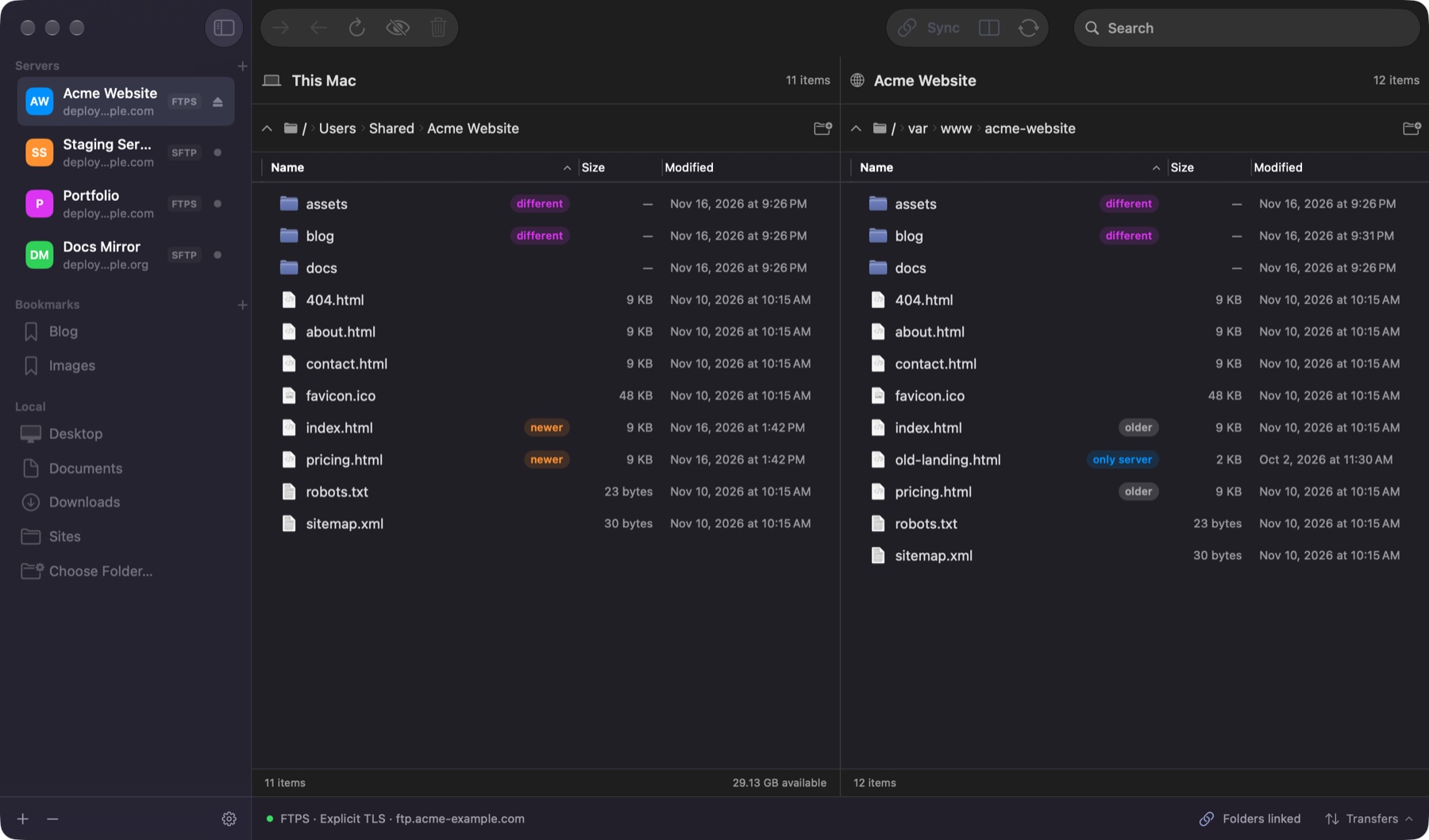
DFTP connects only to the servers you set up yourself. You alone decide which data is
transferred. The respective server operator is responsible for any processing on those servers.
-
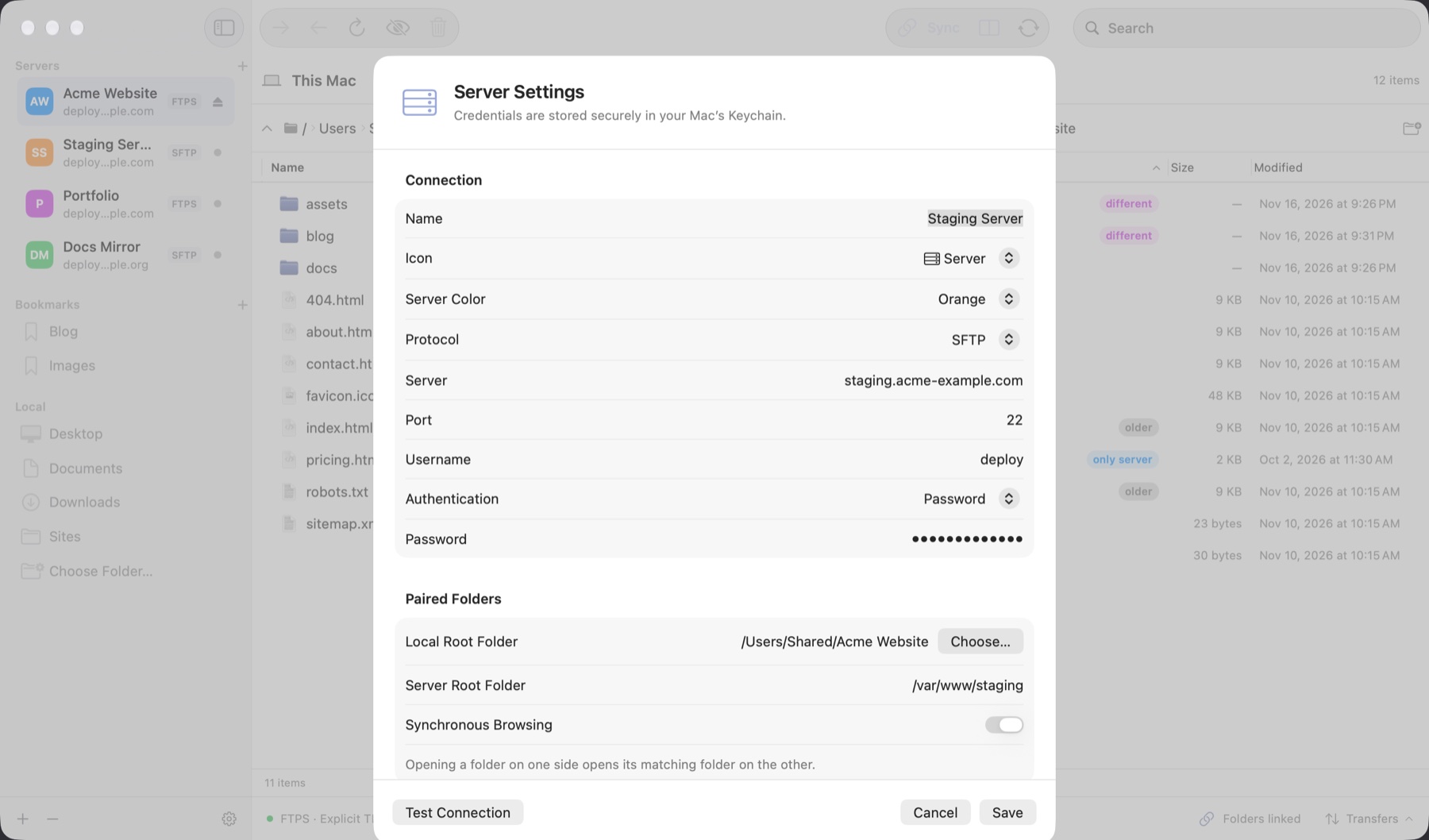
Server profiles, settings and logs are stored only locally on your Mac.
Passwords and key passphrases are stored only in the macOS Keychain.
-
The app is distributed through the Mac App Store. When you download it, Apple processes data
(e.g. your Apple Account and purchase information) under its own responsibility, as described in
Apple’s Privacy Policy.
If you have agreed in macOS to share crash and usage data with app developers, Apple provides
me with anonymized crash reports.
3. Visiting this website
When you visit this website, the hosting provider processes technically necessary data in server log
files: IP address, date and time of access, requested page, amount of data transferred, referrer URL,
and browser type and operating system. This data is required to deliver the website and to ensure its
security and stability. The legal basis is Art. 6 (1) (f) GDPR; the legitimate interest lies in the
secure and error-free operation of the website. The log files are deleted automatically after a short
period and are not combined with any other data.
This website does not use cookies or any analytics or tracking services, and it does not embed any
external content such as fonts, maps or videos. All content is delivered from this site’s own server.
4. Contact by email
If you send me an email, I process the information you provide (email address, name and the content
of your message) solely to handle your request. The legal basis is Art. 6 (1) (b) GDPR if your request
relates to a contract or pre-contractual measures, and Art. 6 (1) (f) GDPR otherwise (interest in
answering inquiries). The data is deleted once it is no longer needed and no statutory retention
obligations apply.
5. Links to Apple
The links to the Mac App Store lead to services provided by Apple. Data is transmitted to Apple only
when you click such a link. Apple is responsible for any processing on its side.
6. Your rights
Within the limits of the law, you have the right at any time to
- access the data stored about you (Art. 15 GDPR),
- rectification (Art. 16 GDPR) and erasure (Art. 17 GDPR),
- restriction of processing (Art. 18 GDPR),
- data portability (Art. 20 GDPR), and
- object to processing based on Art. 6 (1) (f) GDPR (Art. 21 GDPR).
To exercise these rights, simply contact me by email. You also have the right to lodge a complaint
with a data protection supervisory authority (Art. 77 GDPR), for example the State Commissioner for
Data Protection and Freedom of Information of North Rhine-Westphalia.
Last updated: November 2026. In case of doubt, the German version prevails.